
Download Pichon Free Icons – Free, Secure & Scalable Vector Icons for Web, Mobile & Software Projects
Pichon Free Icons is a powerful, no-cost tool designed for designers, developers, and creative professionals who need high-quality, customizable icons for web, mobile, desktop, and software applications. With over 300 professionally crafted vector icons, Pichon eliminates the need for endless image searches and manual design work. The collection features a clean, modern aesthetic with consistent styling, making it ideal for UI/UX projects across platforms.
Whether you're building a startup website, launching a mobile app, or enhancing a desktop software interface, Pichon delivers instant access to visually appealing assets. The software is completely free to download and use, with no hidden fees or licensing restrictions. Its intuitive interface, robust search engine, and drag-and-drop functionality make asset selection effortless.
Pichon supports multiple formats including SVG, PNG, and EPS, ensuring compatibility with popular design and development tools like Figma, Adobe XD, Sketch, and more. With regular updates and a growing library, Pichon is a reliable, secure, and scalable solution for creative workflows.
Why Pichon Free Icons Stands Out Among Free Icon Libraries
When it comes to finding reliable, high-quality icons for your next project, Pichon Free Icons sets a new benchmark in the world of free design resources. Unlike many other icon libraries that offer inconsistent styles or low-resolution assets, Pichon delivers a cohesive, professional collection of over 300 vector icons that maintain sharpness and clarity at any size. This scalability is crucial for modern design, especially when creating responsive websites or adaptive mobile interfaces.
The icons are meticulously crafted with clean lines, balanced proportions, and a unified visual language, ensuring they blend seamlessly into any project without looking out of place. What truly sets Pichon apart is its user-centric design. The built-in search function allows you to quickly locate icons by keyword, category, or even visual similarity.
Filters let you narrow down results by style (outlined, filled, duotone), color, or usage (navigation, social media, technology). This level of organization saves hours of manual browsing and helps you focus on creativity, not searching. The drag-and-drop feature further enhances usability—simply drag an icon into your design tool or project folder with one click.
Whether you're a freelance designer working on tight deadlines or a developer integrating UI elements into a new app, Pichon streamlines your workflow. Plus, because all icons are available in multiple formats (SVG, PNG, EPS), you’re never limited by your preferred software. The fact that it’s completely free and open for commercial use makes it an exceptional value for professionals and hobbyists alike.
Easy Installation, Seamless Integration & Cross-Platform Support
Getting started with Pichon Free Icons is a breeze, thanks to its straightforward installation process and broad compatibility. Available for Windows, Mac, and Linux operating systems, the software ensures that no matter your preferred platform, you can access the icon library without hassle. The download is lightweight—typically under 100MB—so it installs quickly even on older machines.
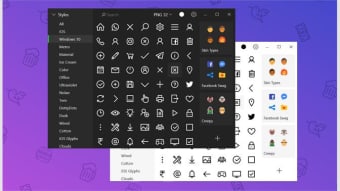
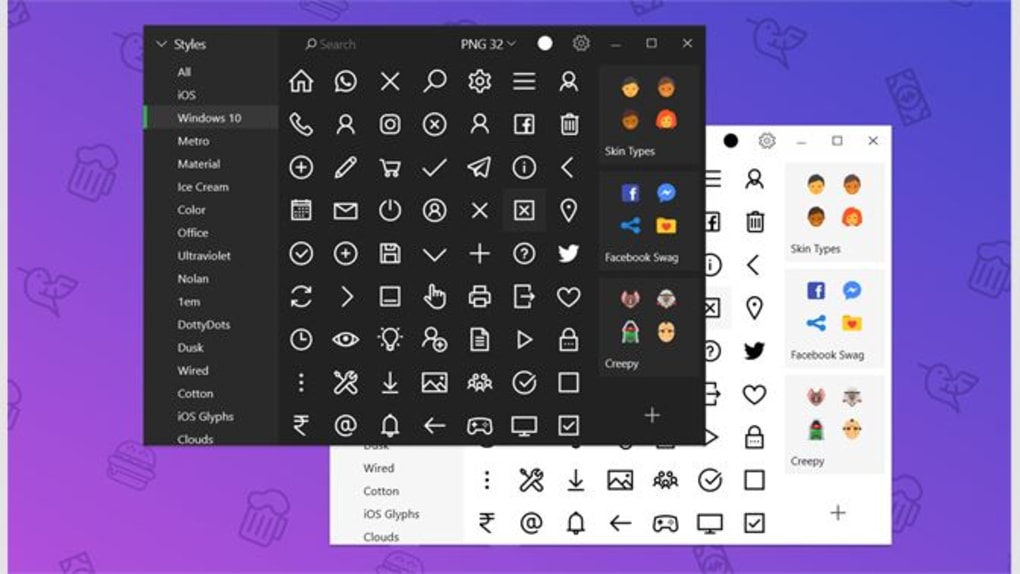
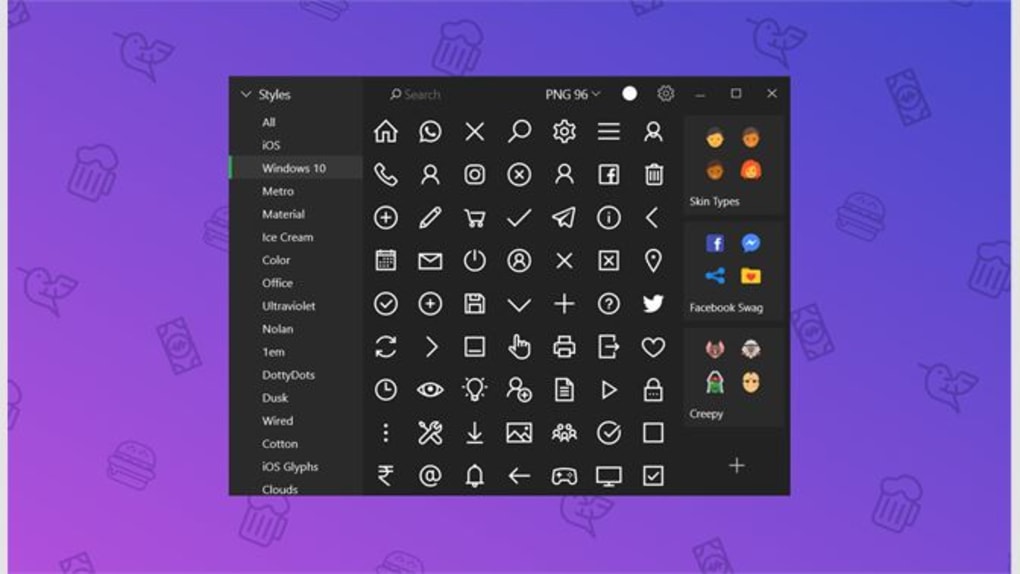
Once installed, the app launches with a minimal interface that prioritizes functionality over clutter. The main dashboard presents a clean grid of icons, with real-time search and filter options visible at the top. No complex setup or configuration is required—just open the app, search for your desired icon, and export it in your preferred format.
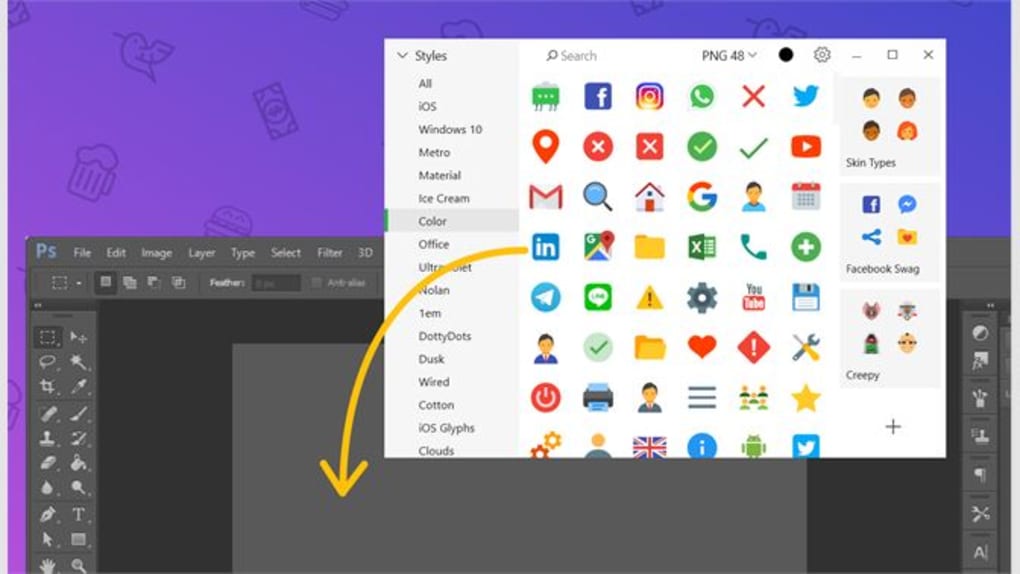
For developers and designers who use tools like Figma, Adobe XD, or Sketch, Pichon integrates smoothly via direct export or copy-paste functionality. You can also save frequently used icons to a personal favorites folder for quick access in future projects. The software automatically checks for updates, ensuring you always have access to the latest additions and bug fixes.
This continuous improvement cycle means the library grows over time, with new icons added regularly based on community feedback and trending design needs. Whether you're working on a personal blog, a corporate website, or a mobile app, Pichon adapts to your workflow. The app also supports offline use, so you don’t need an internet connection once the icons are downloaded.
This makes it perfect for remote work, travel, or environments with limited connectivity. With its secure download, no ads, and no tracking, Pichon respects your privacy while delivering a premium experience.
Pros, Cons & Frequently Asked Questions (FAQ)
- Pros:
- Over 300 professionally designed, scalable vector icons
- Free to download and use for personal and commercial projects
- Supports multiple formats: SVG, PNG, EPS
- Intuitive search and filtering system
- Drag-and-drop export for fast integration
- Regular updates with new icon additions
- Compatible with Windows, Mac, and Linux
- Offline access and secure, ad-free interface
- Cons:
- Smaller library compared to some paid alternatives
- Limited customization options within the app (e.g., no color editing)
- No built-in animation support
- Mobile app version not yet available
- Basic export settings—no batch export feature
Frequently Asked Questions (FAQ)
Is Pichon Free Icons really free to use?
Yes, Pichon Free Icons is completely free to download, use, and distribute. There are no hidden costs, subscriptions, or licensing fees. You can use the icons in personal, commercial, and open-source projects without attribution.
Can I use Pichon icons in commercial software or websites?
Absolutely. All icons are licensed for commercial use. Whether you're building a SaaS platform, launching an e-commerce site, or developing a mobile app, you can integrate Pichon icons without legal concerns.
What file formats are available for download?
Pichon Free Icons offers icons in SVG (scalable vector), PNG (raster), and EPS (vector) formats. SVG is ideal for web and responsive design, PNG for high-quality static images, and EPS for print and professional publishing.
Does Pichon support mobile platforms like Android or iOS?
Currently, Pichon is available for Windows, Mac, and Linux desktop operating systems. There is no dedicated mobile app, but you can access the icons via a web browser or export them to your mobile device for use in design tools.
How often are new icons added to the library?
The Pichon team regularly updates the library with new icons based on user demand and emerging design trends. Major updates typically occur every 4–6 weeks, ensuring the collection stays relevant and fresh.
Final Verdict: A Must-Have Tool for Designers and Developers
Pichon Free Icons is more than just a collection of icons—it’s a smart, efficient solution for creative professionals seeking quality visuals without compromise. Its combination of a vast library, seamless integration, and user-friendly interface makes it one of the best free icon tools available today. While it may lack some advanced features like batch export or mobile access, its core strengths—free access, high-quality vector graphics, and ease of use—far outweigh these minor limitations.
Whether you're a beginner learning UI design or a seasoned developer building complex software, Pichon simplifies the process of finding and using icons. The secure download, no ads, and no tracking ensure a clean, focused experience. With ongoing updates and a growing community, Pichon is poised to become a staple in digital design workflows.
If you're looking to enhance your projects with professional-grade icons without spending a dime, downloading Pichon Free Icons is a smart, secure, and future-proof choice. Don’t waste time searching—start designing today.
Download Pichon Free Icons now and elevate your next project with free, scalable, and beautifully crafted icons.







